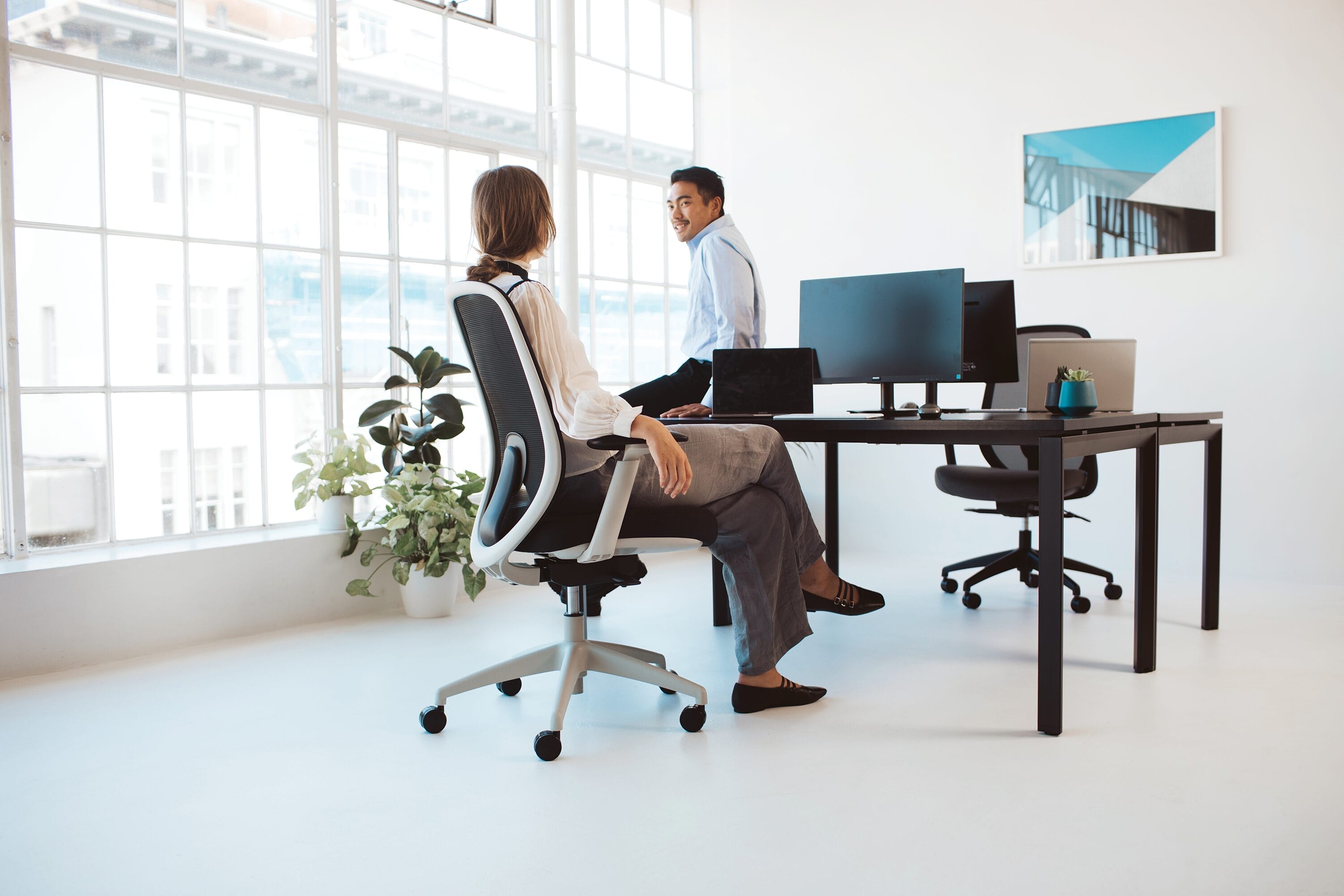
If you spend hours at a desk each day, you’ll know this: the wrong chair can make everything harder. Tight shoulders, a cranky lower back, legs that go numb for no good reason, it’s all part of the uncomfortable package. And with so many Kiwis now splitting their time between home and office, choosing the best ergonomic chair in NZ isn’t just a nice-to-have. It’s essential for comfort, posture, and long-term well-being.
The challenge? Ergonomic chairs come with a lot of technical language. Synchronised tilt. Seat-pan depth. Lumbar contouring. They sound complicated, but their purpose is simple: to support your body properly while you work. This guide breaks down what these features actually do and how to choose the right ergonomic office chair in NZ for your needs.
Why the right chair matters for your lower back and posture
Sitting isn't inherently bad; it’s how you sit that makes the difference. When your chair doesn’t properly support your body, your spine absorbs extra pressure. Over time, muscles fatigue, shoulders round forward, and your lower back begins carrying the load alone. That’s when discomfort shows up, often quietly at first, before becoming your daily companion.
A well-designed ergonomic chair solves this by encouraging the natural 'S-shape' of the spine, supporting your hips, and helping your body stay relaxed but upright.
The Buro Force is a great example of a chair built with this kind of long-term support in mind. When searching for the best ergonomic chair for your home office, think beyond looks or simple comfort. What you’re really choosing is long-term support for your body.
What key ergonomic features you should look for
Most ergonomic chairs follow the same principles, but the difference is in how well each feature supports your body over long periods. Here’s what to look for, explained clearly and simply.
1. Seat-pan depth
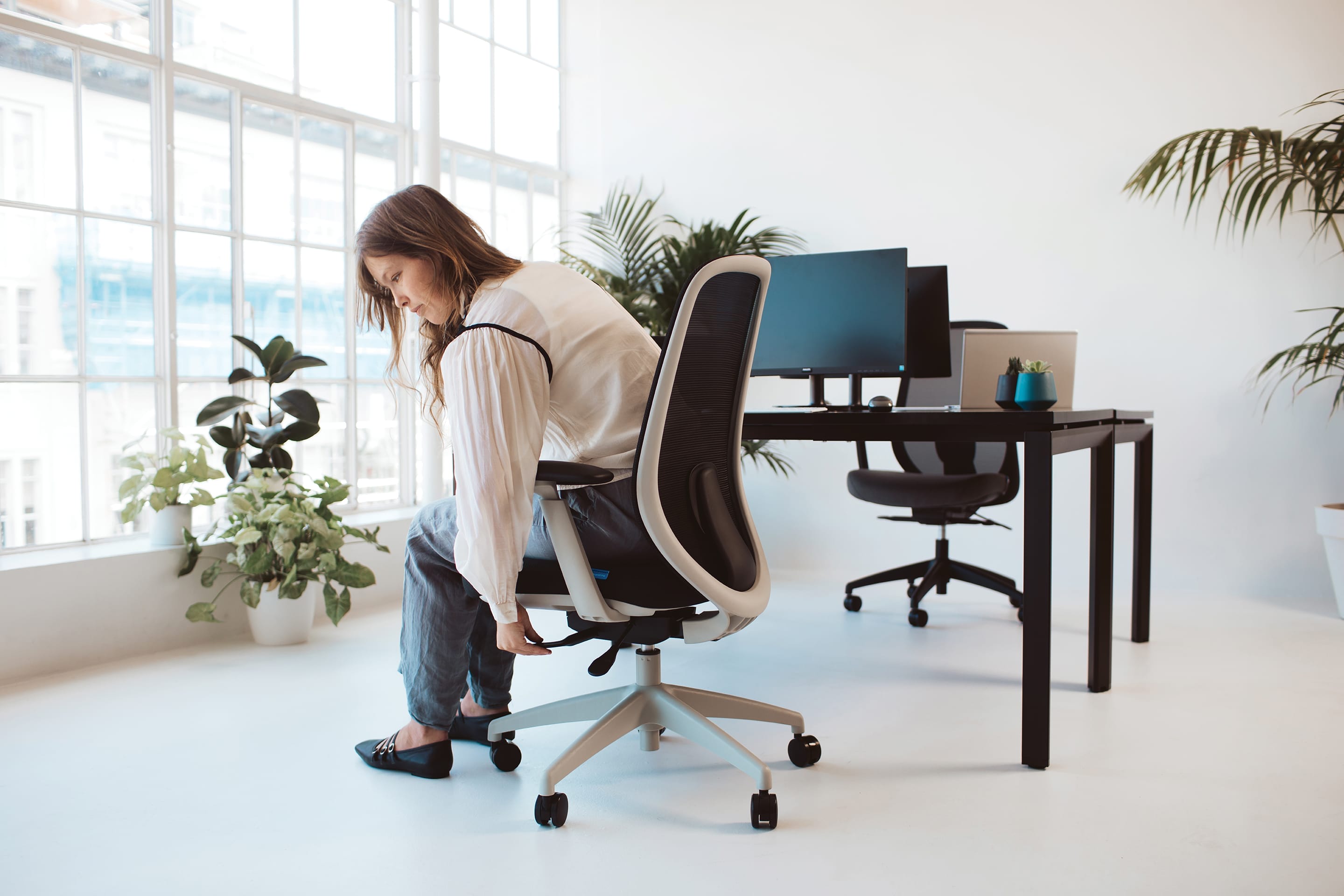
Seat-pan depth is the distance from the backrest to the seat edge, and adjustable depth lets you slide the seat forward or backwards to match your leg length. Practically, this ensures you can sit fully back against the backrest while still keeping a small gap behind your knees. Getting this right is essential because a seat that’s too long forces you to perch forward and slouch, while a seat that’s too short removes crucial thigh support, affecting your posture and comfort.
2. Seat height & synchronous tilt
Seat height lets you raise or lower the chair to match your leg length, and synchronous tilt means the seat and backrest move together (usually at a 2:1 ratio) as you recline. Our Mentor chair uses this mechanism to help you sit with your feet flat on the floor and lean back naturally without losing support through your lower back. It matters because it helps maintain spinal alignment, reduces the tendency to slouch into lower-back fatigue, and supports easier posture changes and regular movement throughout the day.

The Buro Mentor adapts to your sitting style. Find out if you’re a manual driver or an auto cruiser — and what that says about your office chair.
3. Backrest angle, tilt tension & movement mechanisms
These features control how the backrest reclines, how easily it moves based on your weight, and whether you prefer free movement or a locked-in position. Put simply, they let you switch between upright focus and relaxed recline while staying supported. Having this flexibility is important because it encourages natural movement, preventing stiffness and improving circulation, while keeping your body aligned at every angle.
4. Armrest adjustability
Adjustable armrests may move up and down, forward and back, or in and out, depending on the chair. This movement lets you position your arms comfortably, keeping your shoulders relaxed instead of rising or reaching during typing. It matters because good armrest support reduces strain through your neck, upper back, and shoulders, some of the most common discomfort hotspots for Kiwi workers.
5. Lumbar support & backrest contour
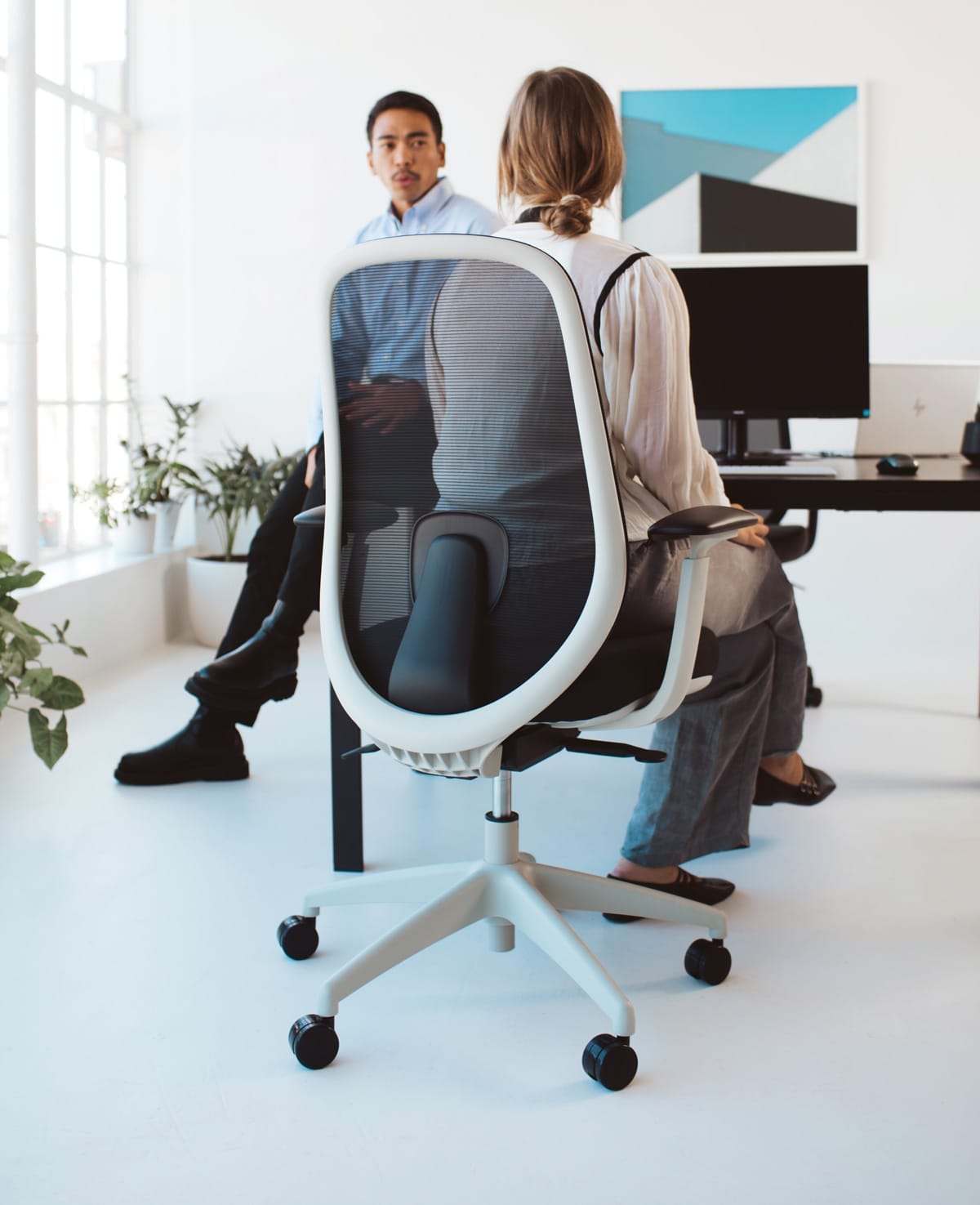
Lumbar support includes features like adjustable height or depth that help the chair match the natural curve of your lower spine, and the backrest contour provides the shape that supports this curve. The Konfurb Luna is a great example of a chair designed with strong lumbar support to maintain that natural curve and prevent your lower back from collapsing into a rounded C-shape. This posture matters because proper lumbar positioning keeps your spine stable, reduces muscle fatigue, and helps maintain healthy posture throughout the day.
The Konfurb Luna chair adds both ergonomics and style to workspaces.
Ergonomic chair checklist
Once you understand the features, choosing the right ergonomic office chair in NZ becomes far easier. Use this checklist to guide your decision:
1. Start with your body, not the chair
Everyone’s proportions are different, leg length, torso height, and shoulder width. Adjustable features ensure the chair fits you, not the other way around.
2. Look for essential ergonomic features
- Adjustable seat height
- Adjustable seat depth
- Lumbar support
- A movement mechanism (tilt or synchronised tilt)
- Adjustable armrests
3. Match the chair to your work habits
- Full-day desk job: prioritise adjustability and movement mechanisms.
- Hybrid work: look for versatility and easy adjustability.
- Home office: consider space, style, and comfort for long sessions.
4. Check NZ-specific factors
- Warranty length
- Local support
- Availability of spare parts
- Ability to try the chair in person
- Delivery availability to your region
5. Set it up correctly
Even the best ergonomic chair works best when it’s adjusted for your body and paired with regular movement. Feet flat on the floor, hips slightly above knees, lumbar aligned with your lower back, and desk height matched to your seated posture all help support comfortable, flexible sitting.
Find the ergonomic chair that works for you
Your chair is one part of a comfortable, well-supported work setup. When it’s properly adjusted and built with ergonomic features, it can support natural posture and movement throughout the day. Keeping your spine aligned, your muscles relaxed, and your focus where it needs to be. That’s why choosing the best ergonomic chair in NZ comes down to understanding how each feature works together to keep you comfortable and well-supported.
If you're ready to improve your daily comfort, explore Buro’s range of ergonomic home office chairs. Thoughtfully designed, independently tested, and trusted by workplaces across Aotearoa, Buro chairs are built to help you sit better, every day.