Dave Hall has spent over 25 years as an occupational physiotherapist in Australia and the UK. While his early career focused on injury recovery, he soon began asking a bigger question: wouldn’t it be better to help people avoid pain in the first place?
Through his workshop A Step Ahead of Pain, Dave teaches proactive ergonomics and smart workspace set-ups.
But posture problems aren’t limited to offices. As gaming sessions stretch longer than ever, more players are turning their attention to their home environment and asking what makes a gaming chair ergonomic. We asked Dave to weigh in.
Why does ergonomics matter for gamers as much as it does for office workers?
Around 10 to 15 years ago, there was growing awareness of just how harmful prolonged sitting can be, to the point where it was described as the new smoking. But the spine doesn’t distinguish between work and play. If you’re sitting for long periods, whether at a desk or in another world, the same physical stresses apply.
Workplaces that encourage movement have become commonplace. And gaming set-ups should evolve too.
How important is the right chair for spinal health and comfort?
The chair is the central component of any gaming station. When it’s comfortable and well-designed, everything else flows from there.
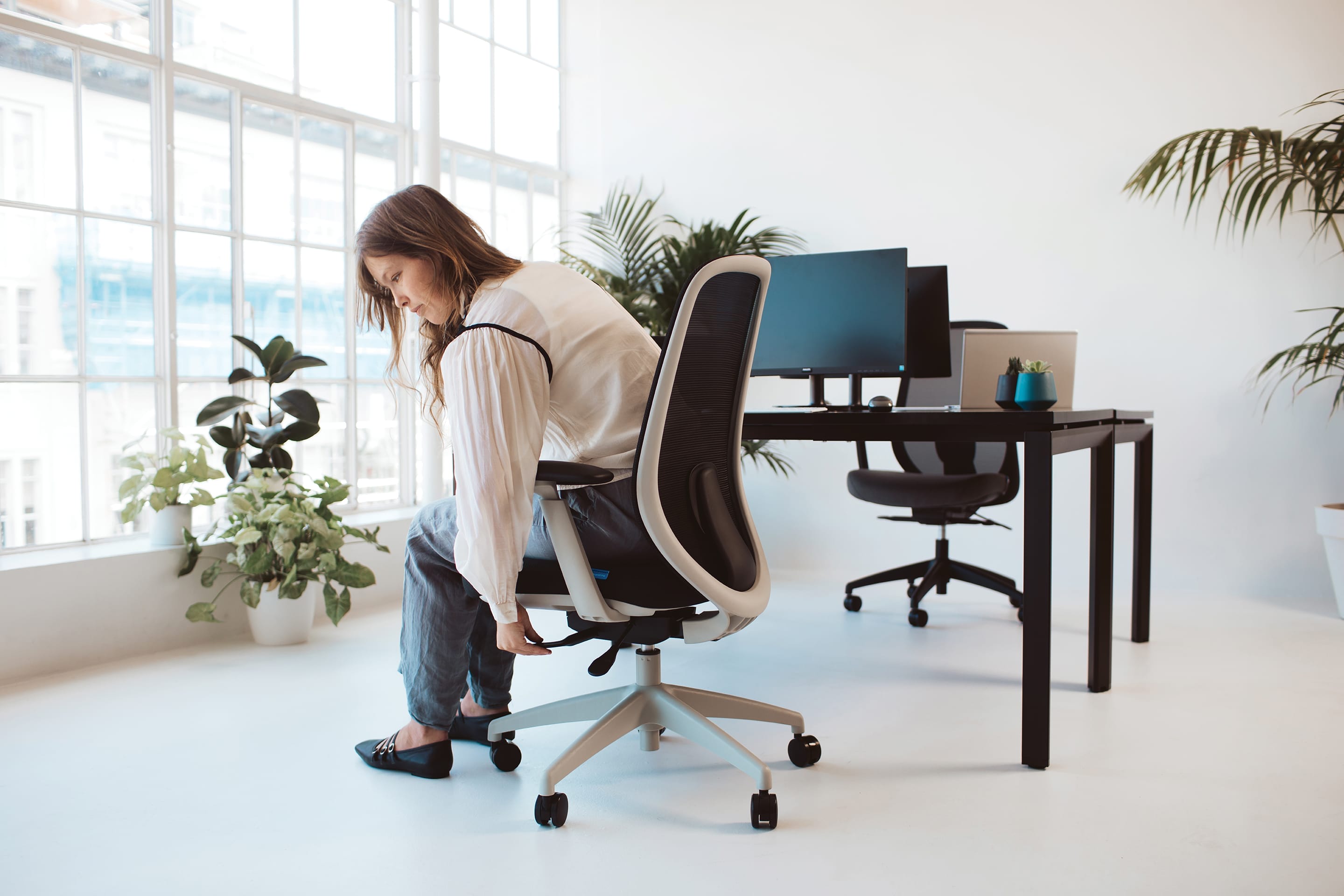
I often spend a significant portion of an ergonomic assessment getting people properly set up in their chairs. Even the best desk set-up can’t compensate for a chair that isn’t the right size, position, or height.
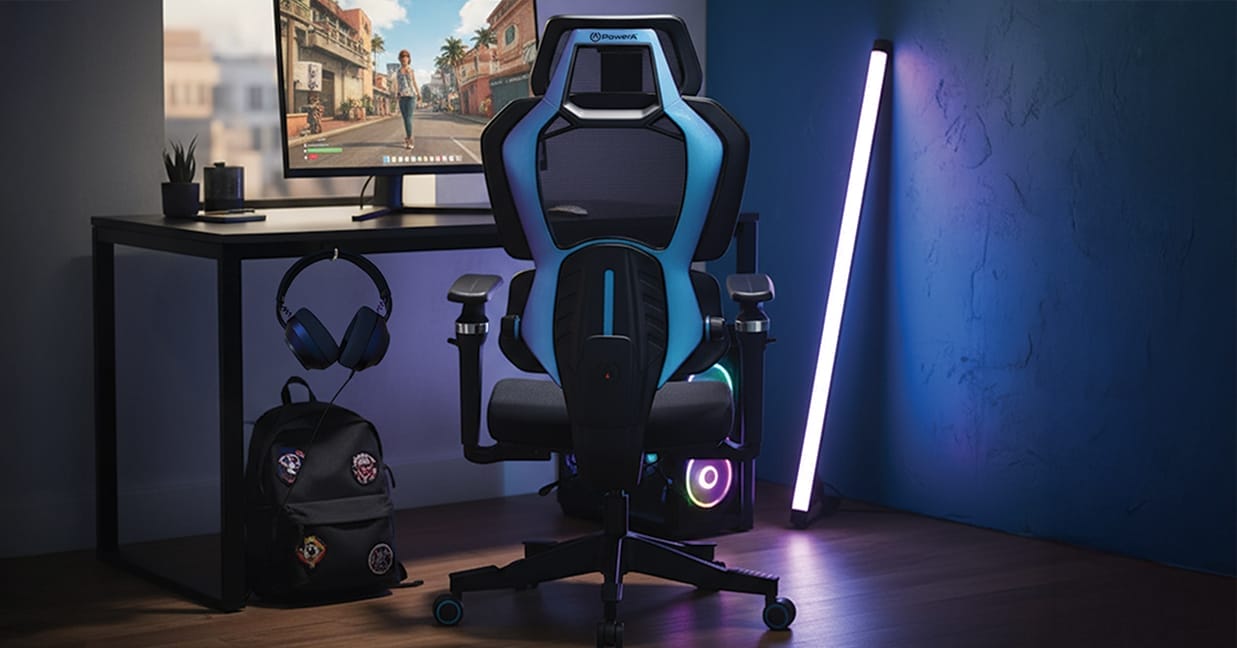
The Buro Navigator Gaming Chair
How do gaming chairs compare ergonomically to office task chairs?
People often ask, "Do gaming chairs provide good lumbar support, or are gaming chairs bad for posture?” and it depends.
Gaming chairs tend to prioritise aesthetics, with bold styling and bucket-seat contours. They may look supportive with their high backrests, but subtle design differences compared to office chairs mean they don’t always promote great posture.
Many gaming chairs don’t offer adequate lumbar support, which can lead to a curved sitting position with rounded shoulders, rather than the open, shoulder-back posture encouraged by a well-designed task chair.
That said, there are gaming chairs that deliver the look and feel people want while still supporting the natural curve of the spine and providing good lower back support.
Gaming chairs are often marketed as “ultra comfortable.” But this doesn’t necessarily mean ergonomic, does it?
No. Some gaming chairs are soft like a couch: they feel comfortable at first, but encourage you to sit in a slouched position, which isn’t great for long periods of sitting.
Well-designed ergonomic gaming chairs strike a balance between comfort and spinal support. They prompt a neutral, slightly reclined posture, and ideally, lumbar support is built into the chair itself rather than added through detachable cushions or pillows.
I was impressed with the Buro x PowerA range. Many gaming chairs fall short when it comes to lumbar support, but these chairs provide excellent integrated support.
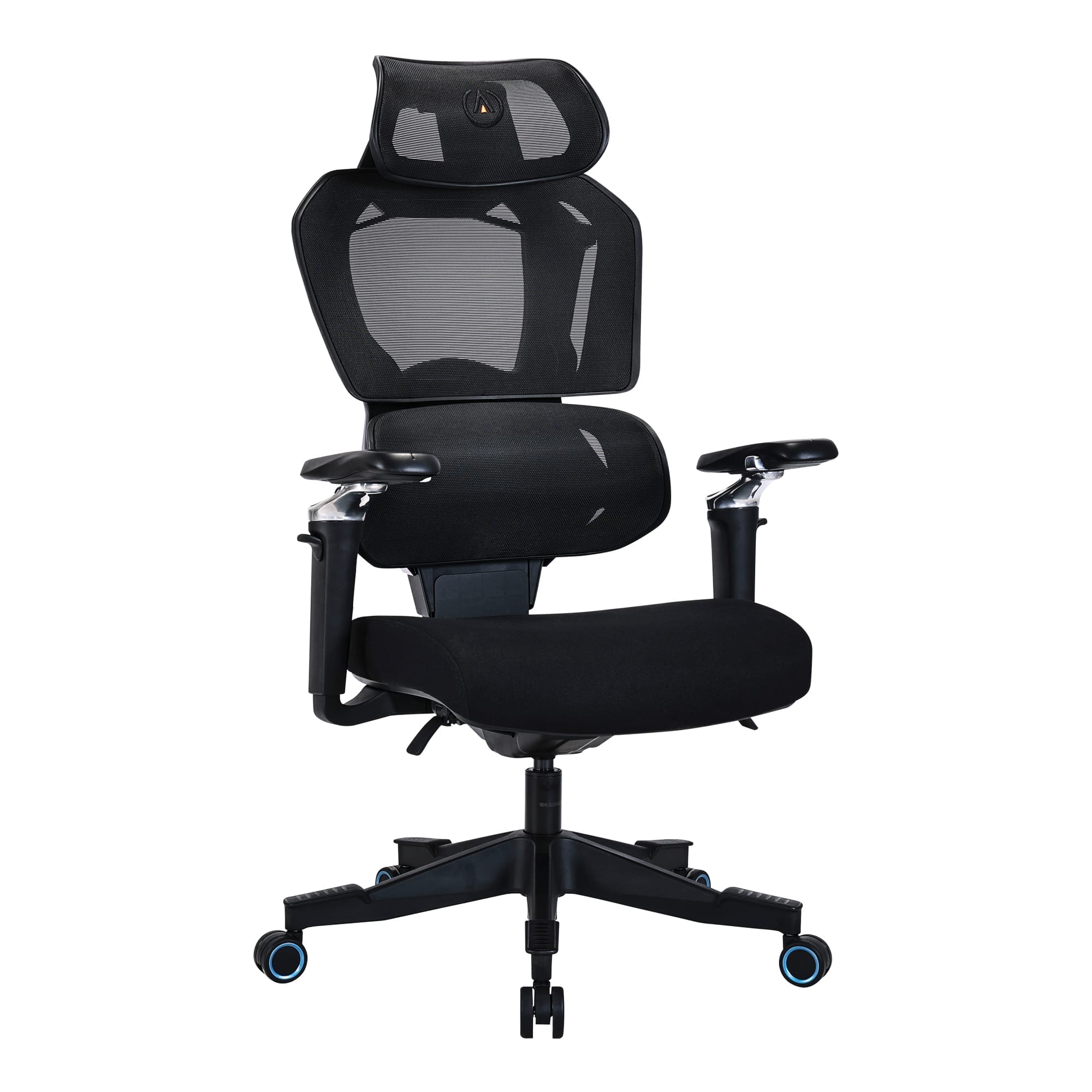
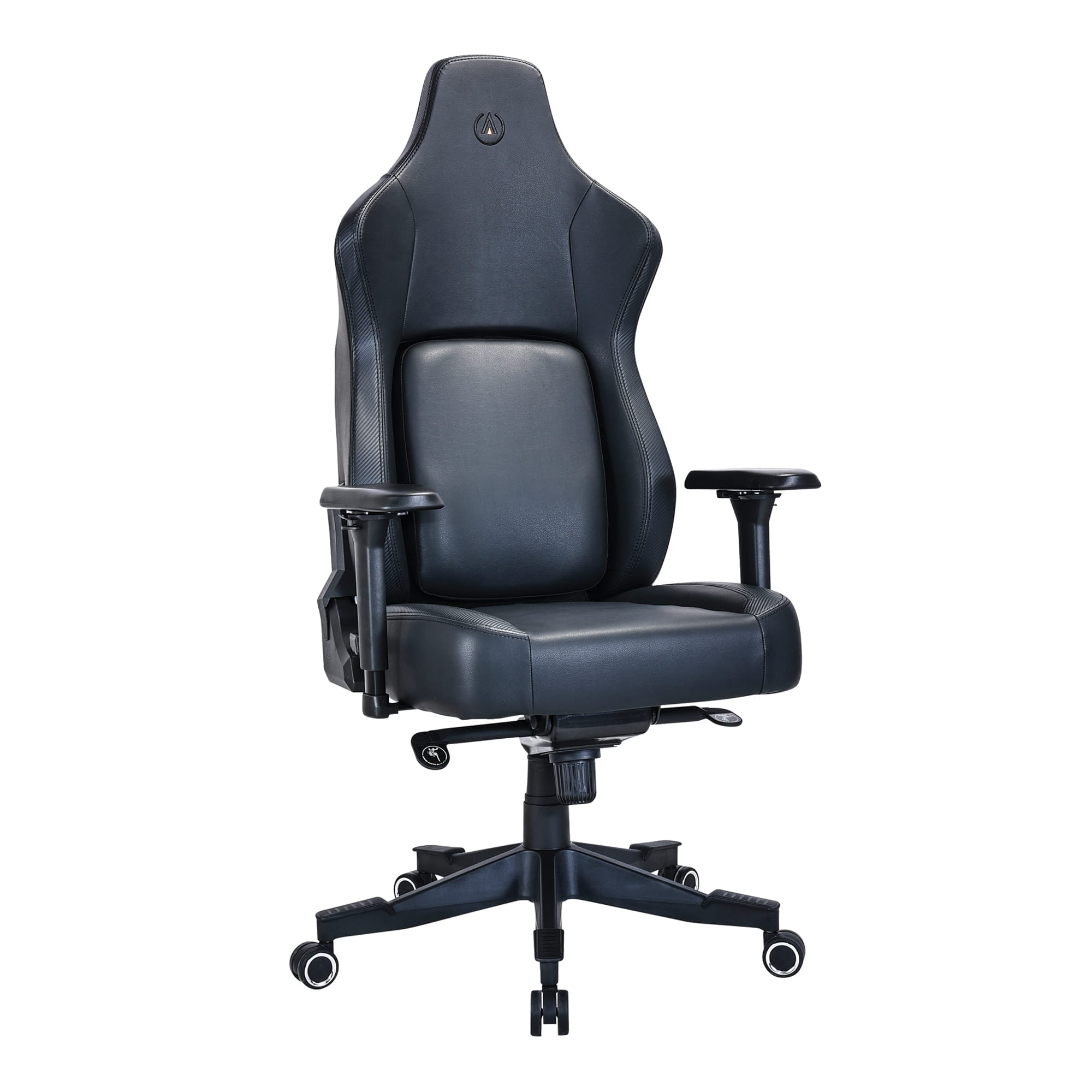
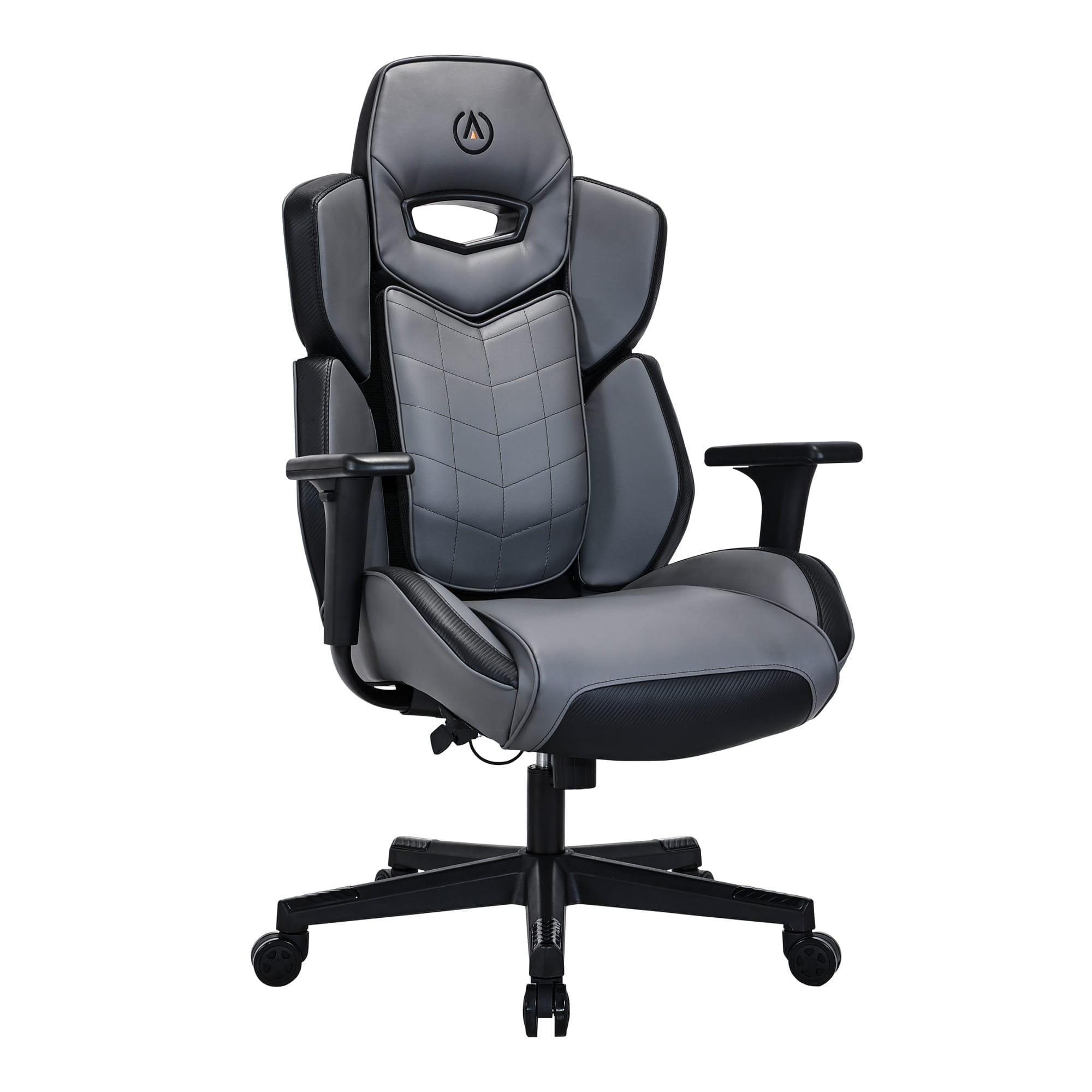
The Buro x PowerA gaming chair range designed for play
In partnership with global gaming brand PowerA, Buro has developed a range of gaming chairs built for gamers who take play seriously. It’s where gaming culture meets ergonomic know-how, combining PowerA’s performance-driven mindset with Buro’s decades of seating expertise.
The result? Chairs that don’t just look the part, but back you up where it counts. Each model is designed to support long sessions, with full-body ergonomic support, durable construction, and bold styling that levels up any gaming setup.
Of course, choosing the right chair is only part of the equation. We asked Dave how gaming chairs fit into everyday setups, especially for those balancing work and play.
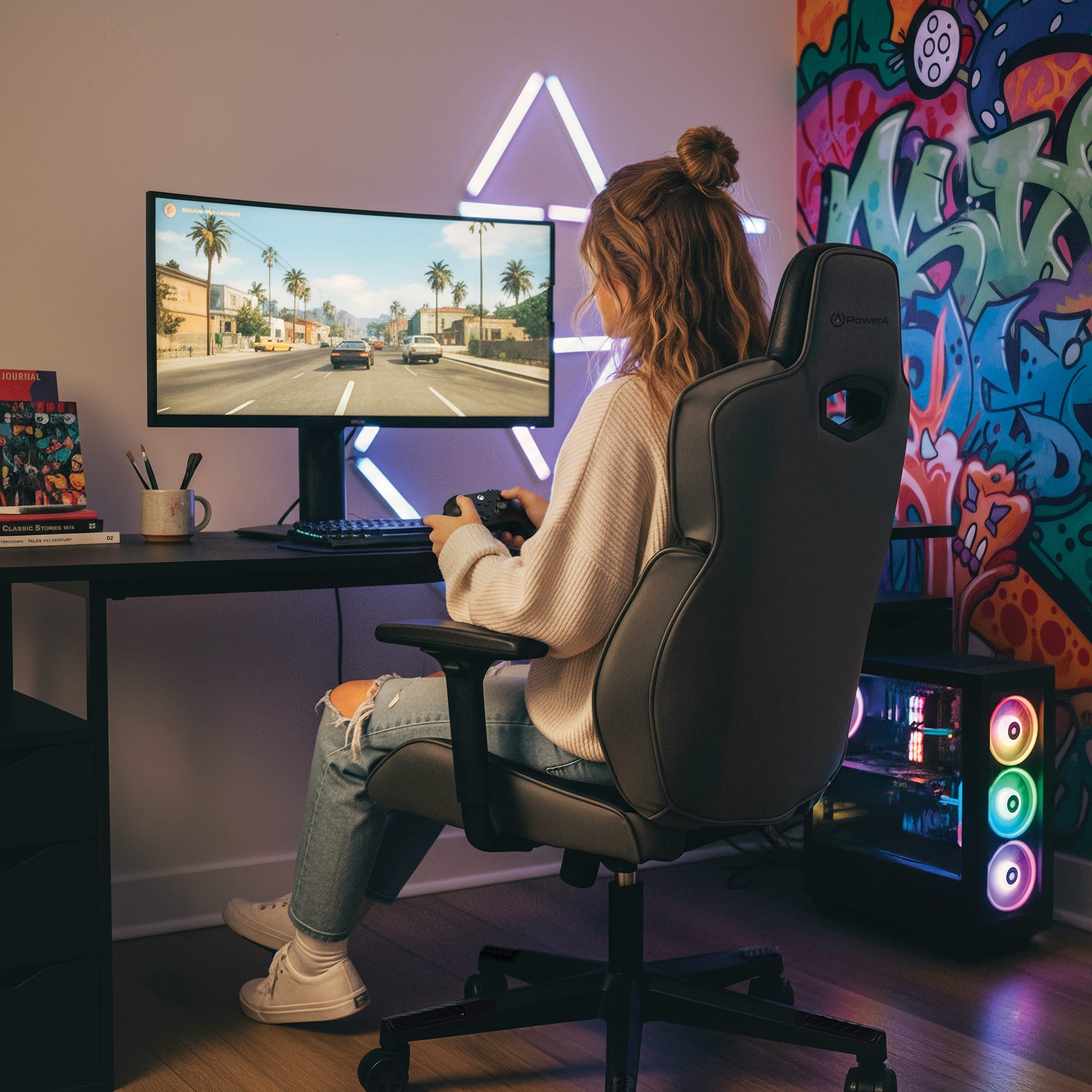
Do you need separate chairs for gaming and remote work?
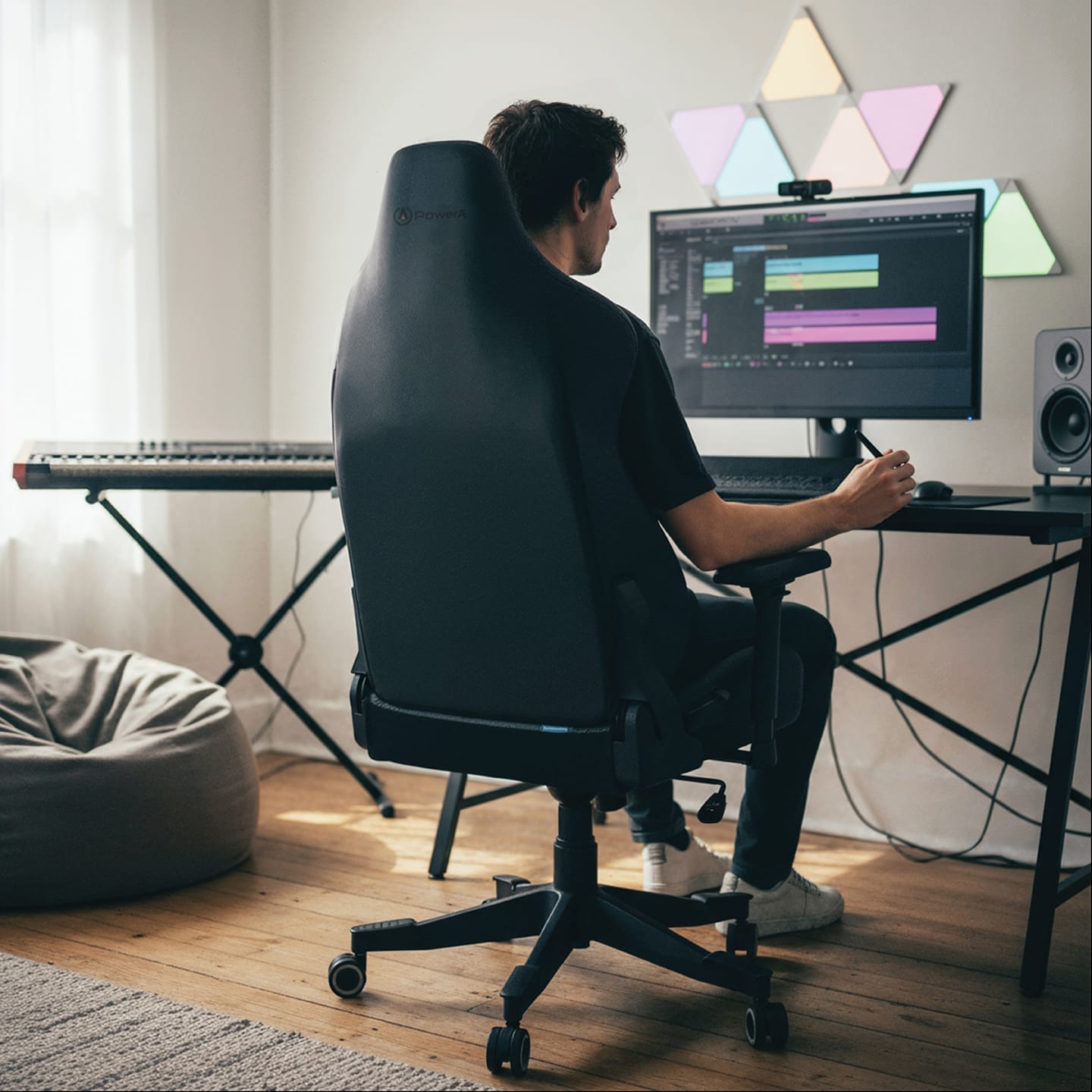
Not necessarily, if the chair is well-designed, it can be more convenient to just have the one chair. In fact, trying to squeeze two different chairs into a small space can make a room feel crowded, which actually discourages movement.
What should people look for when choosing an ergonomic gaming chair?
The key is to make sure the shape of the back support feels comfortable and appropriate for you. This is often where gaming chairs miss the mark.
Seat pan depth is another important consideration. If you’re on the shorter side, sitting on a chair with a seat pan that’s too large encourages your legs to slide forward and the spine to slump. Choosing a smaller seat can make a noticeable difference to your posture.
When a chair fits well and provides good back support, you are more comfortable and better supported, which lets you focus on enjoying your game.
Any final tips for staying comfortable while gaming?
Even with a good chair, it’s important to remember to stand up regularly and move. Whether you’re looking for the best chair for long gaming sessions or sitting for long periods at work, you should consider:
- Investing in a sit-to-stand desk.
- Setting reminders to stand and move.
- Using simple cues that prompt movement. For example, stand up every time a game finishes or after a phone call.
Ready to upgrade your gaming setup?
If your current setup is leaving you stiff, sore, or shifting around, it might be time for a change. The right gaming chair won’t just level up your comfort, it’ll support your posture, improve your focus, and help you stay in the game longer.
Explore the Buro x PowerA range for ergonomic performance built for play and find your local Buro r to upgrade your setup today.
If you’re looking to take things a step further, Dave offers personalised ergonomic assessments and workplace training to help you stay one step ahead of pain.